Company and Branding
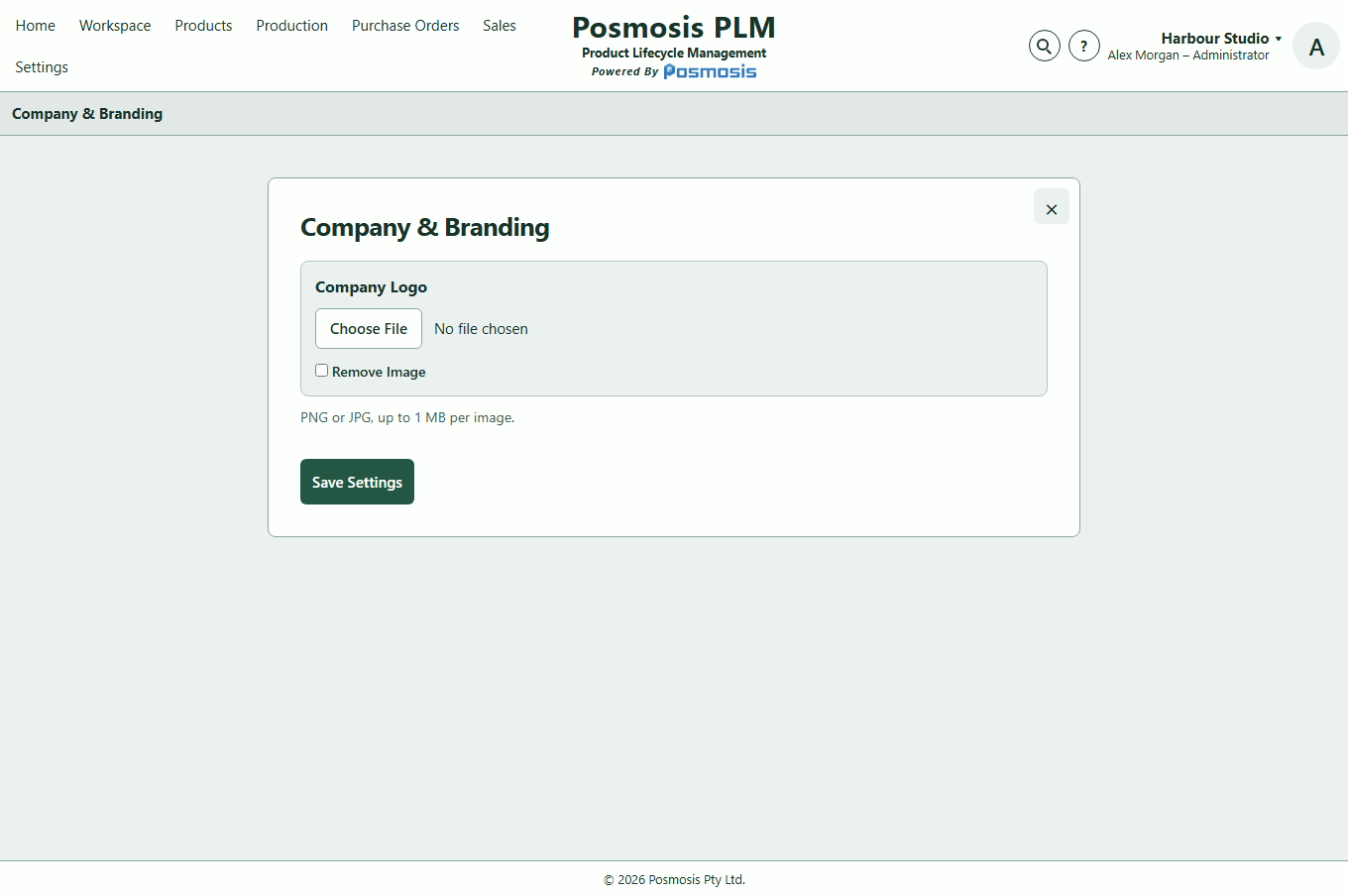
Use Settings → General → Company & Branding → Company Logo to change the logo in the top-left application header for the active workspace. Choose a PNG or JPG up to 1 MB, preview it, and select Save Settings. To clear it, tick the remove checkbox and save.