Profile and Account
Open the profile menu in the top-right corner. Choose Profile to set your picture, or Account to view your account details and default workspace. Choose a PNG or JPG up to 1 MB for the picture, or mark Remove Image, then save.
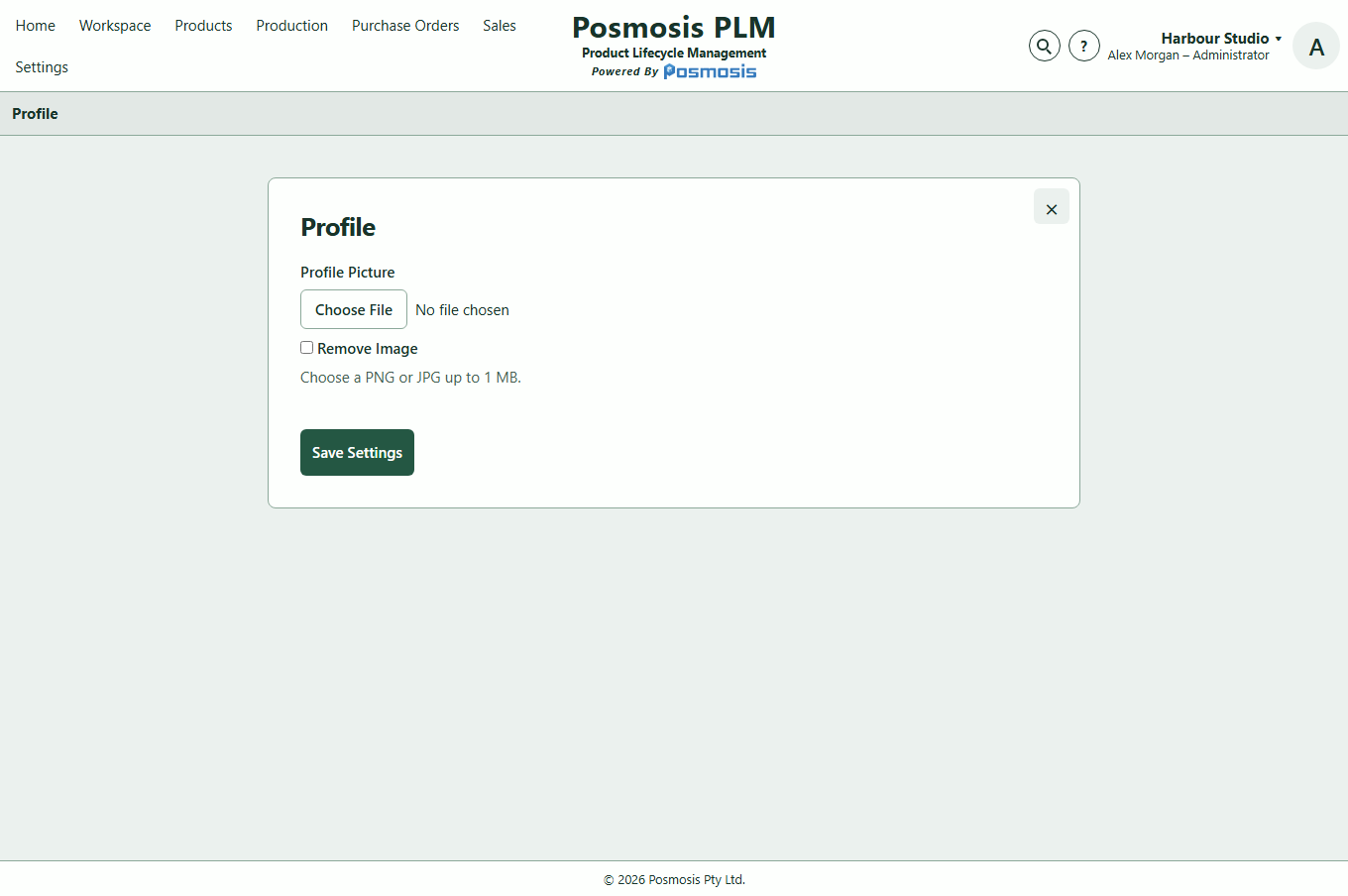
Open the profile menu in the top-right corner. Choose Profile to set your picture, or Account to view your account details and default workspace. Choose a PNG or JPG up to 1 MB for the picture, or mark Remove Image, then save.