Image Definitions
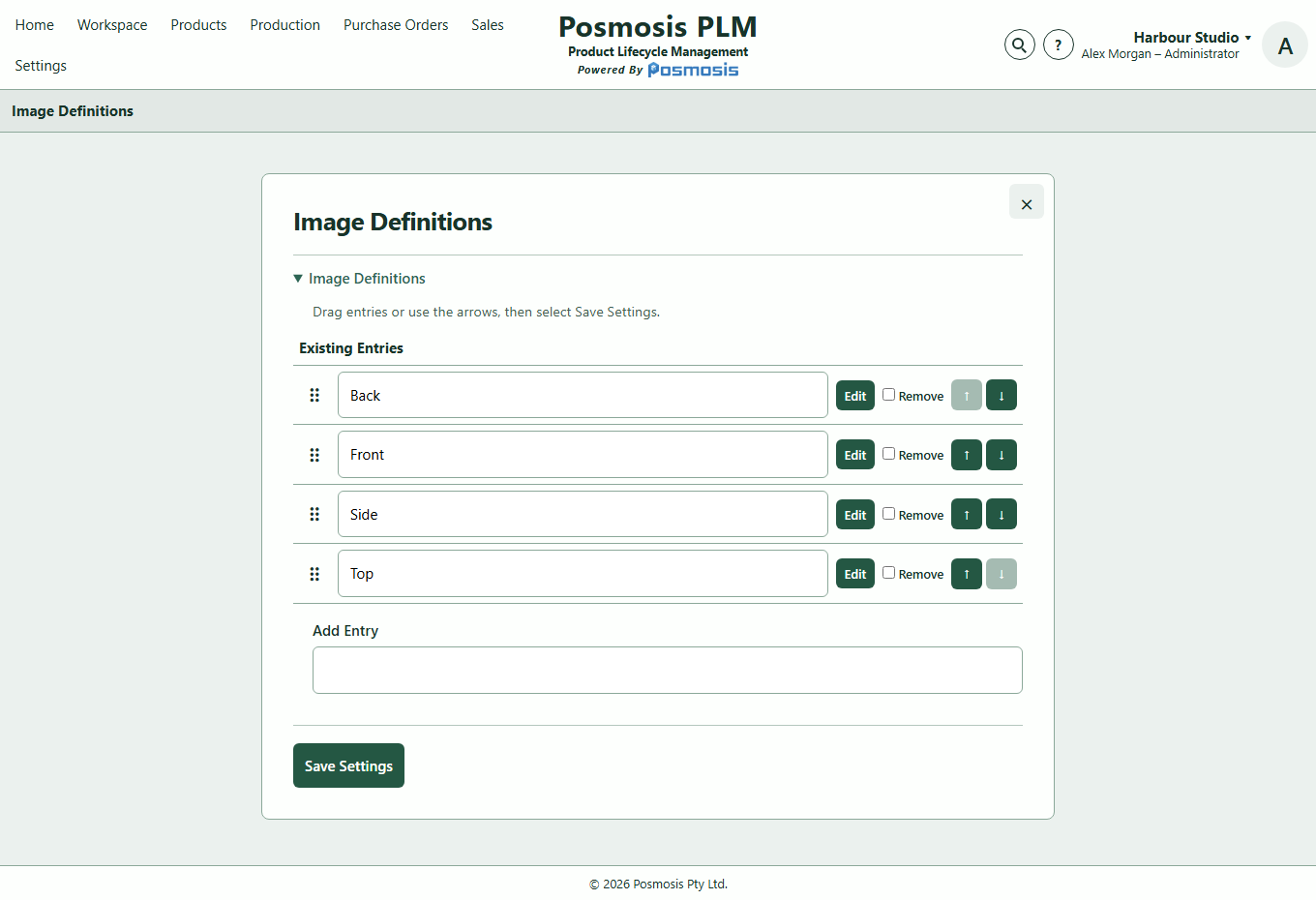
Open Settings → Products / Imagery → Image Definitions to manage your organisation's labels for product photos. Example labels include Front, Back, Side and Top.
Enter a label under Add Entry, or use Edit or Remove on an existing label. Drag entries by their handles or use the arrow controls to change their order, then select Save Settings.