Colours, Sizes and Extra Dimensions
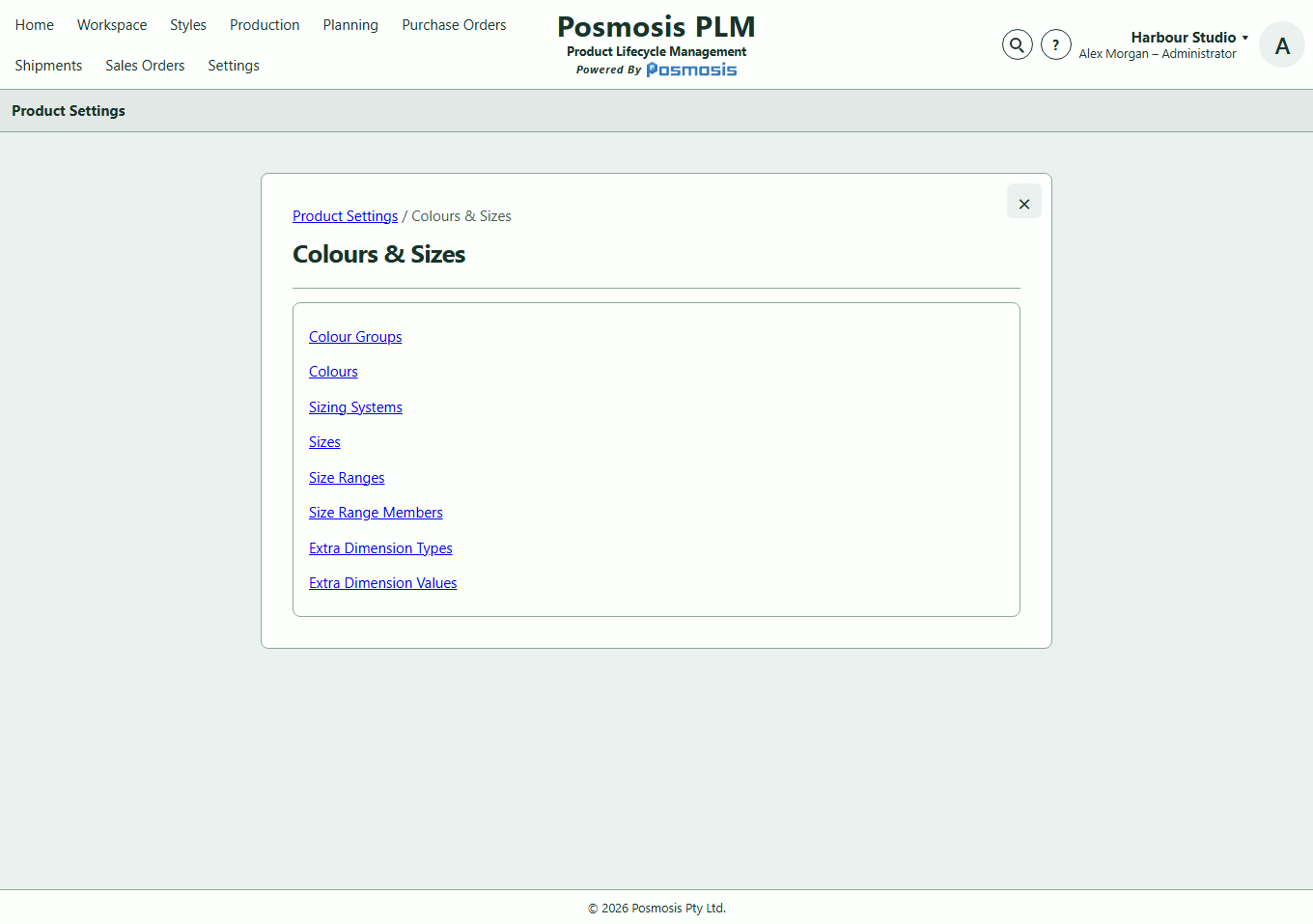
Open Settings → Products → Colours & Sizes. Maintain Colour Groups and Colours separately. A colour has a human-readable value, name, organisation/system code and optional three-digit NRF reference.
Keep original ERP aliases under ERP Reference Aliases, and supplier material colour codes under Supplier Colour References. BLACK, BLK and BK may map to one local colour without losing their source values.
- Create a Sizing System with an appropriate context. US, UK and EU sizes are not automatically equivalent.
- Create Sizes in that system.
- Create a Size Range in the same system and add Size Range Members. A size from a different system is rejected.
- Maintain Extra Dimension Types, such as Width or Fit, and their related values. Brand/range differences in width meanings need explicit reference naming and mappings.
Use the list ordering controls for the intended display order. Physical bag width, height and depth are measurements, not footwear variant-width values. A size or “One Size” is not required merely because the system supports sizing.