Suppliers, Factories and Supplier References
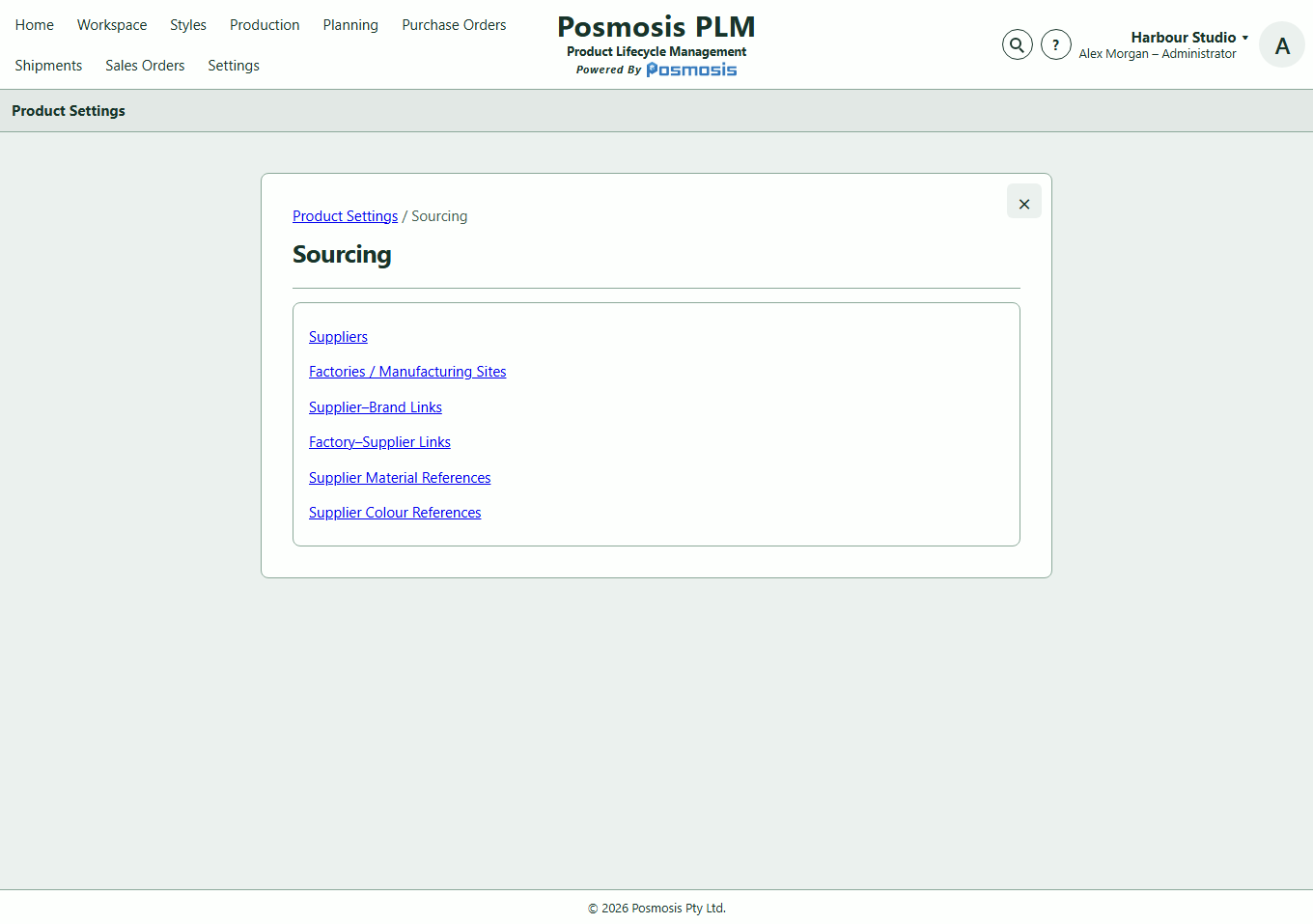
Open Settings → Products → Sourcing.
- Create Suppliers with contact/address information.
- Create Factories / Manufacturing Sites. Set the primary supplier where applicable and tick Company-owned site for an internal factory.
- Use Factory–Supplier Links for additional relationships and Supplier–Brand Links for one or more existing organisation brands.
- Create Supplier Material References with the supplier, local material and supplier article code.
- Create Supplier Colour References with the original colour code, local colour and optional supplier material.
A material selected on a supplier colour reference must belong to that same supplier. The supplier, brand and actual manufacturing site are separate identities. Countries use two-letter country codes; phone and postal fields retain text formatting. Hide preserves links, while referenced records cannot be deleted.