General and Resource Root
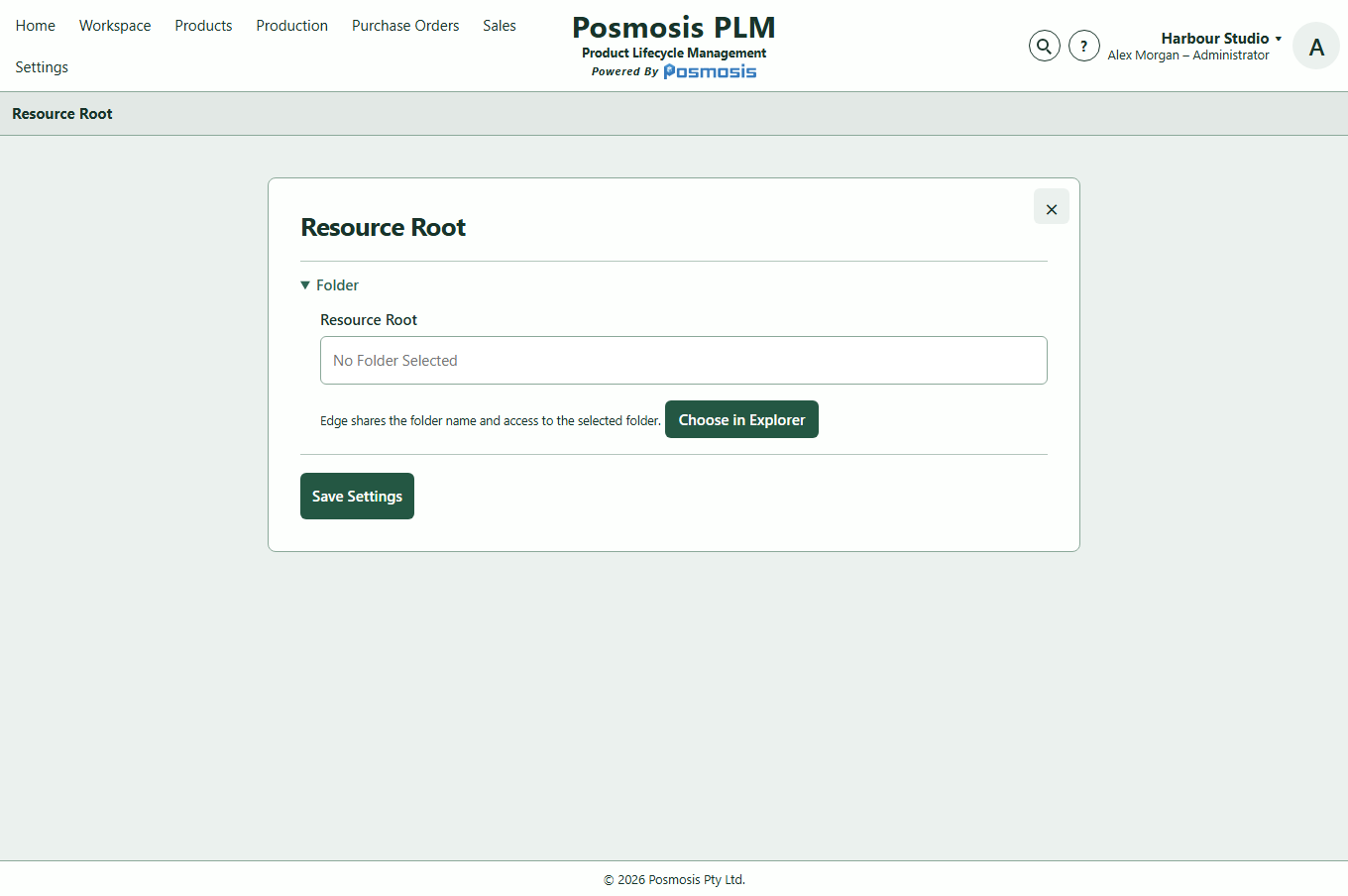
Resource Root is the folder you choose for local image selection. In a supported browser, select Choose in Explorer, grant folder access, and select Save Settings. The browser can remember the folder for the current user and workspace.
If image selection cannot open the saved folder, select it again under Settings → General → Resource Root. The browser may display the folder name and ask you to grant access again.