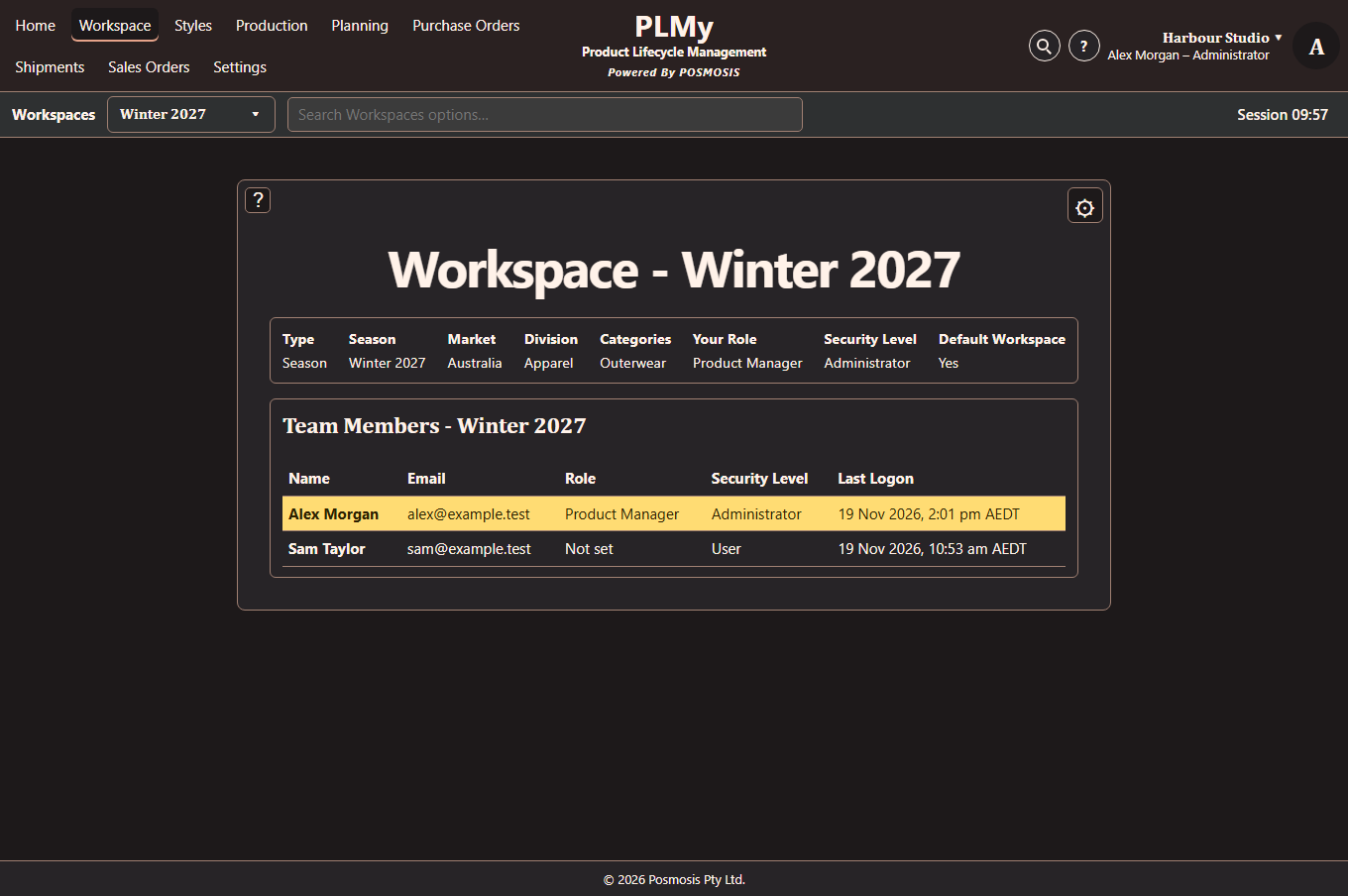
Navigation and Available Modules
Every main menu has a context search in its workbar. Home searches all menu and settings destinations available to you in the current organisation. Other menus search their own options and links on the current page; selecting an option opens it. Use the arrow keys and Enter, or Escape to dismiss. Hidden and restricted settings are excluded. This searches navigation/options, not every database record.
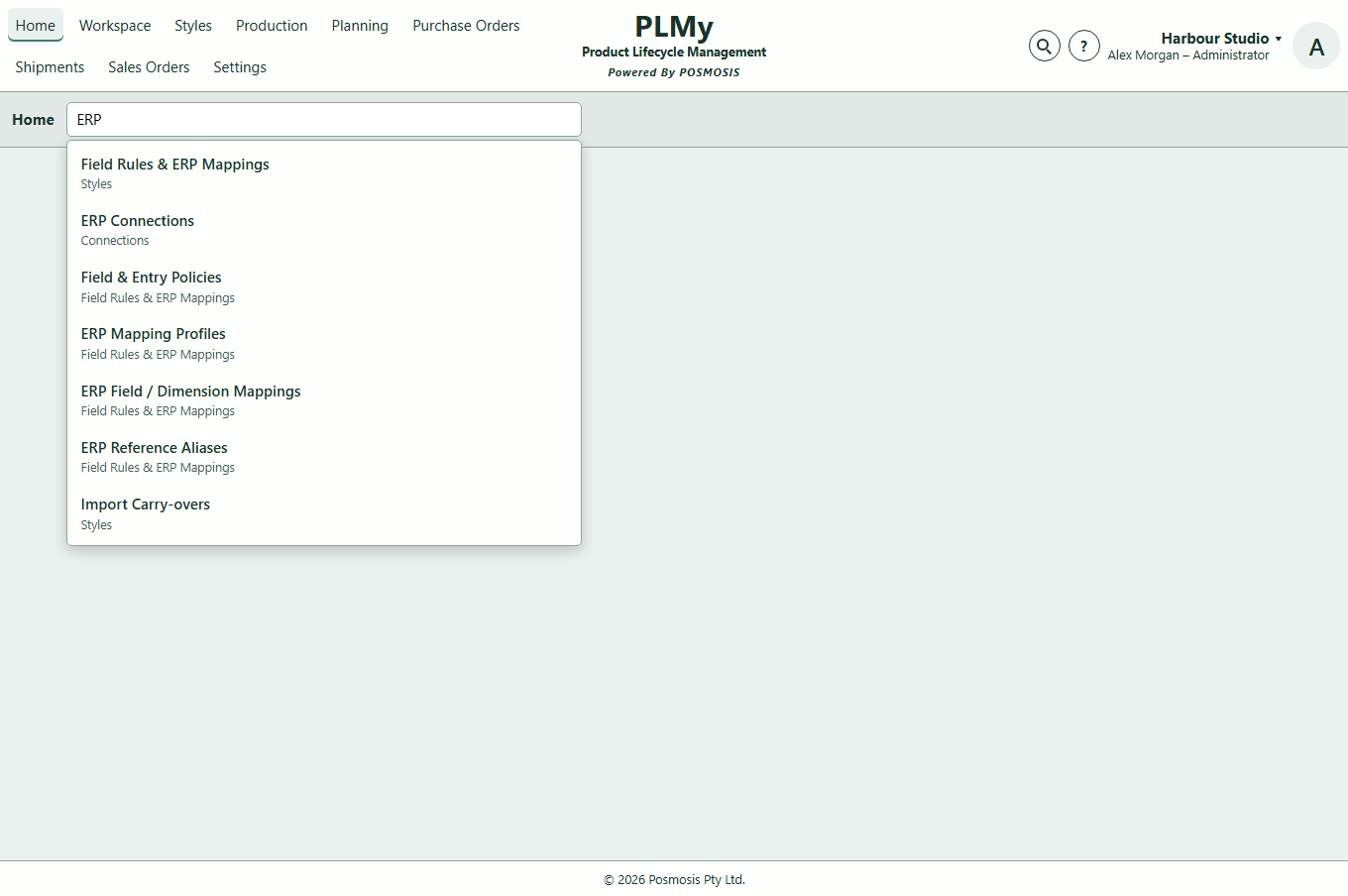
The main navigation includes Home, Workspace, Products, Production, Planning, Purchase Orders, Shipments, Sales Orders and Settings. The product menu, settings and help use the organisation's Primary terminology, including its configured plural (for example Styles or Models). SuperAdmin shows the terminology of the organisation selected in its menu editor.
When space is limited, use the Main menu (☰). The magnifying glass searches menu items and help; the question mark opens contextual help. Product settings editors link to their relevant help topic.
Home is reserved for the home dashboard. Workspace provides the workspace selector and team dashboard. Product references, sample contacts and planning options are available through Settings; the main Products page provides draft product maintenance. Operational planning, sales orders, shipments and live ERP connections remain separate future workflows.
SuperAdmin controls menu ordering and organisation-specific visibility. Save work before switching organisations or workspaces.