Price Lists, Currencies and Units
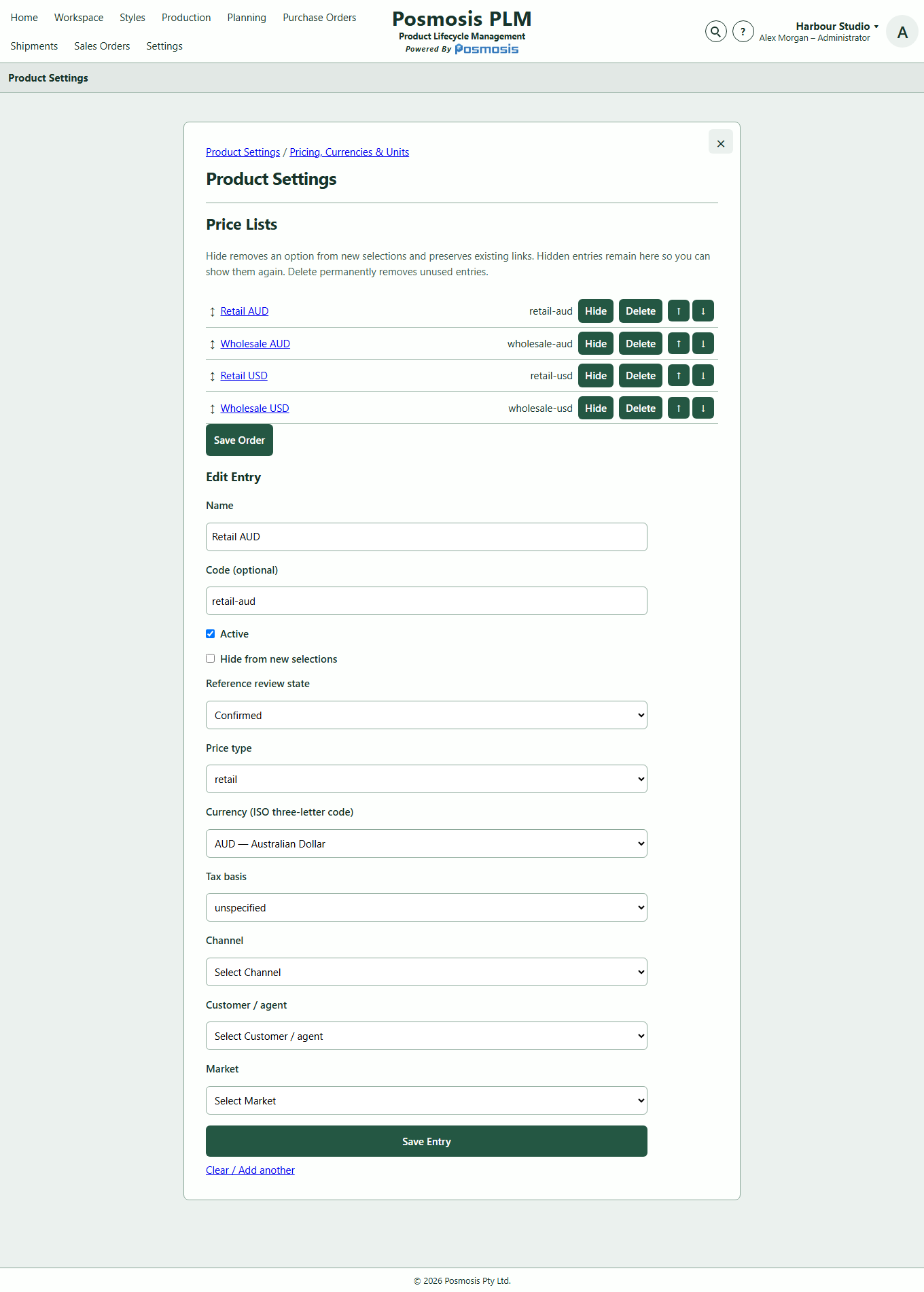
Open Settings → Products → Pricing, Currencies & Units. Maintain the currencies and units used by your organisation before defining price lists.
- For a Currency, use its three-letter code, such as AUD or USD.
- For a Unit of Measure, select length, mass, volume or count.
- For a Price List, choose wholesale, retail, cost or special; select currency and tax basis; optionally link channel, customer/agent and market.
- Select Save Entry. Different retailer or currency prices should be different price-list records, rather than new product columns.
Current settings define price lists, not product selling prices or margin calculations. Currency choices here are distinct from the shared SuperAdmin → AUD Exchange Rates reference feed. Hiding a currency preserves an existing price-list selection; deleting a referenced currency is blocked.