Product Settings Overview
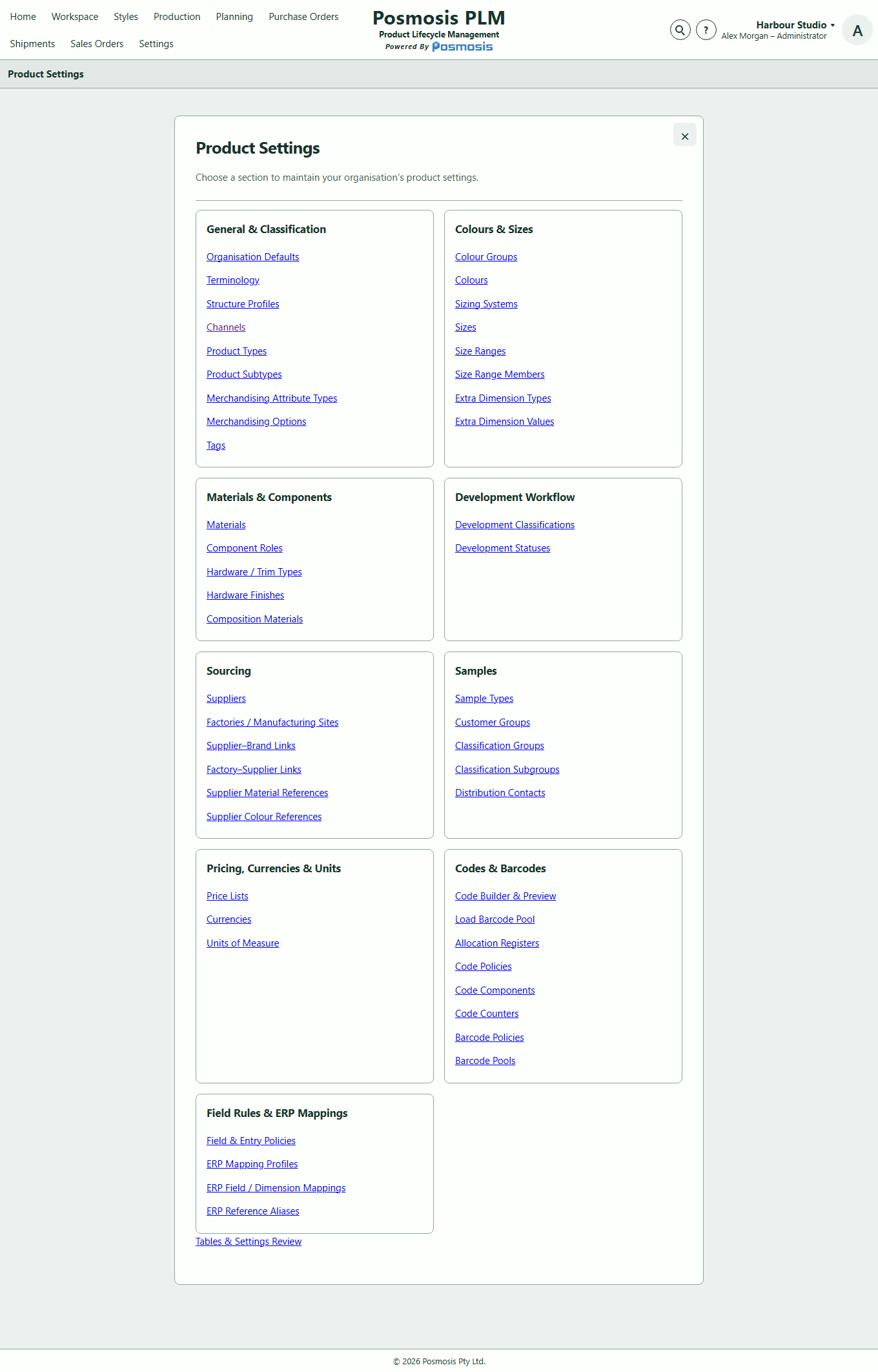
Organisation administrators open Settings → Products and choose a section directly: General & Classification, Colours & Sizes, Materials & Components, Sourcing, Development Workflow, Pricing, Currencies & Units, Codes & Barcodes, or Field Rules & ERP Mappings. These settings work without a workspace.
The Product Settings overview groups all sections into separate cards. Each editor has a breadcrumb back to its section. The × returns to the parent section. Use Tables & Settings Review for the complete table list and links to its editors.
- Maintain options, Hide/Show, Delete and ordering
- Terminology and product structures
- Code policies, factory counters and previews
- Barcode policies, authorised pools and registers
- Sample distribution contacts
These are supporting settings for the core product maintenance area. Open the main Products menu to create and edit styles and colours. Approved downloads and carry-over imports are under Settings → Data Operations. No real factories, counter starting values or barcode pools are supplied automatically.