Planning Options
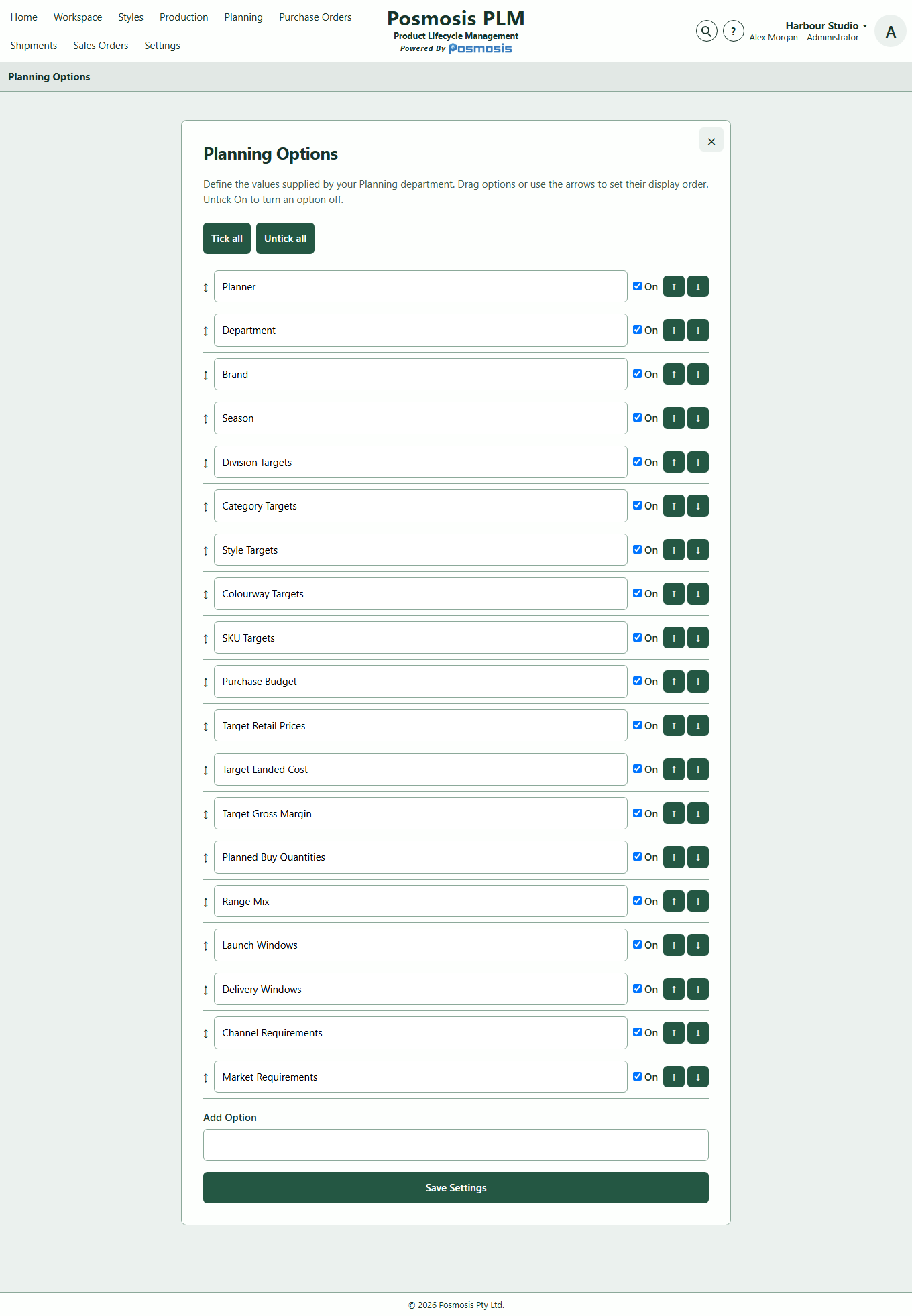
Organisation administrators open Settings → Planning → Planning Options. The list defines the information supplied by Planning, such as planner, department, brand, seasonal targets, budgets, margin targets and range requirements.
- Edit a name directly, or enter a new name under Add Option.
- Tick On to enable a value. Use Tick all or Untick all for bulk changes.
- Drag entries or use ↑ and ↓ to set their order.
- Select Save Settings.
Names must be unique within the organisation. These settings enable the reference options; they do not enter budgets, calculate metrics or create product plans. Planning uses its own On control, not the Product Settings Hide/Delete editor.