Workspace Access
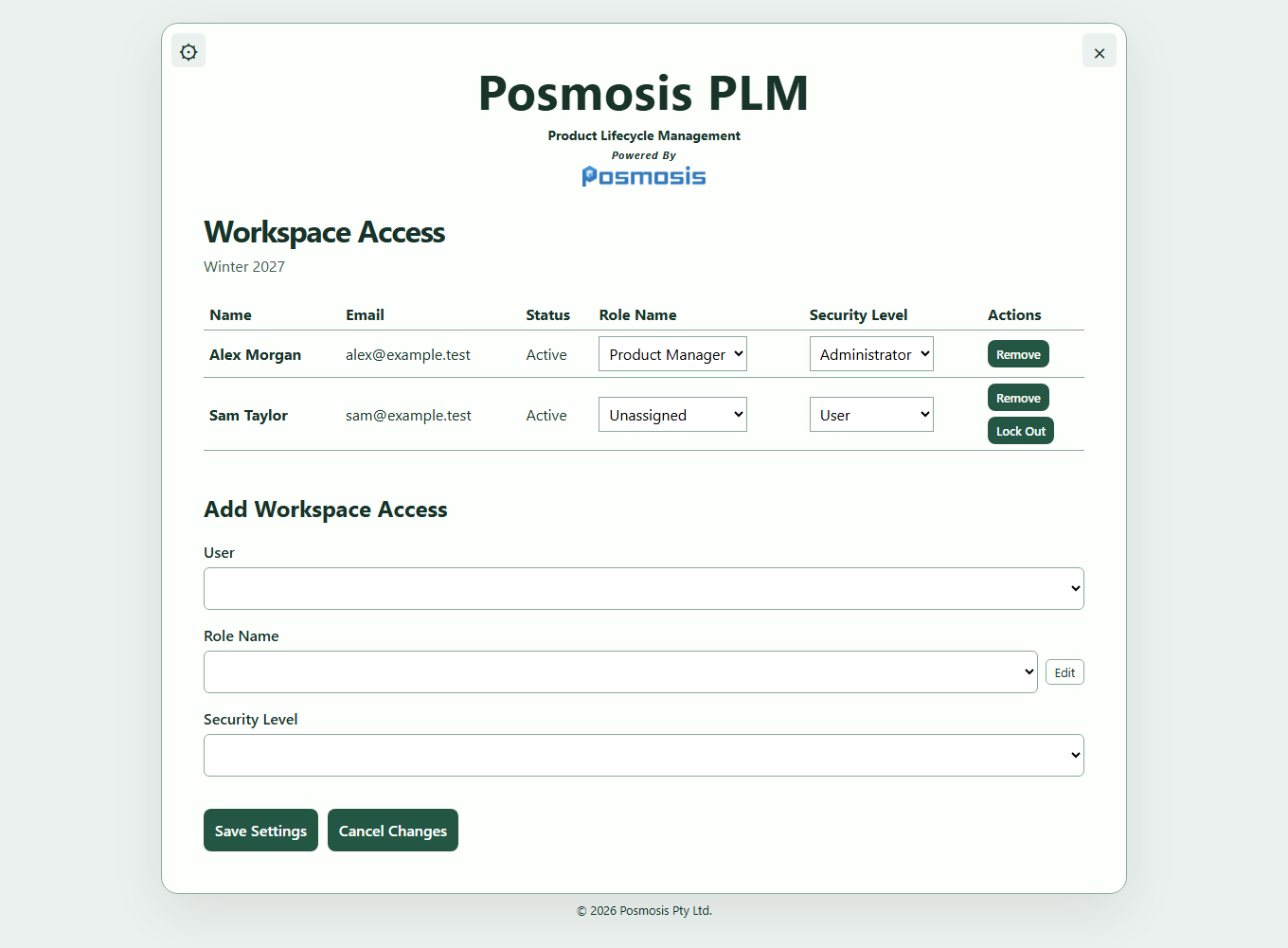
Open Settings → Workspace → Workspace Access. The table shows assigned users, email addresses, status, role names and security levels.
Available actions depend on your permissions. Use Add Workspace Access to assign an existing organisation member. You can change assignments, lock or unlock eligible members, or remove an assignment. A workspace lock preserves the assignment and blocks entry to that workspace.
Select Save Settings to apply staged changes or Cancel Changes to clear them.